
One system, counter to books.
Ring up sales, keep stock right across every store, run charge accounts and keep the books in one system, with QuickBooks there if you want it.
Counter and register
For the customer who knows the part number and wants it on their account.
Finding the partPart number, UPC, manufacturer number or cross-reference all find the item, and a superseded number leads to the part that replaced it.
PricingPrice levels, contract pricing and promotions apply on their own. An override needs a manager's approval.
Tax and feesState and county sales tax for any US state on every taxable line. Core charges and fees come from the item.
CardsTap, insert or swipe on the terminal at each register. AxleTap keeps a token, never the card number.
The rest of the registerQuotes that turn into sales, held tickets, voids, returns, and a Z-report at close.
Charged to account
The AxleTap register, sample data
Inventory and purchasing
Know what's on the shelf at each store, and order before it's gone.
What is on the shelfOn hand, bin, min and max for every item at every store.
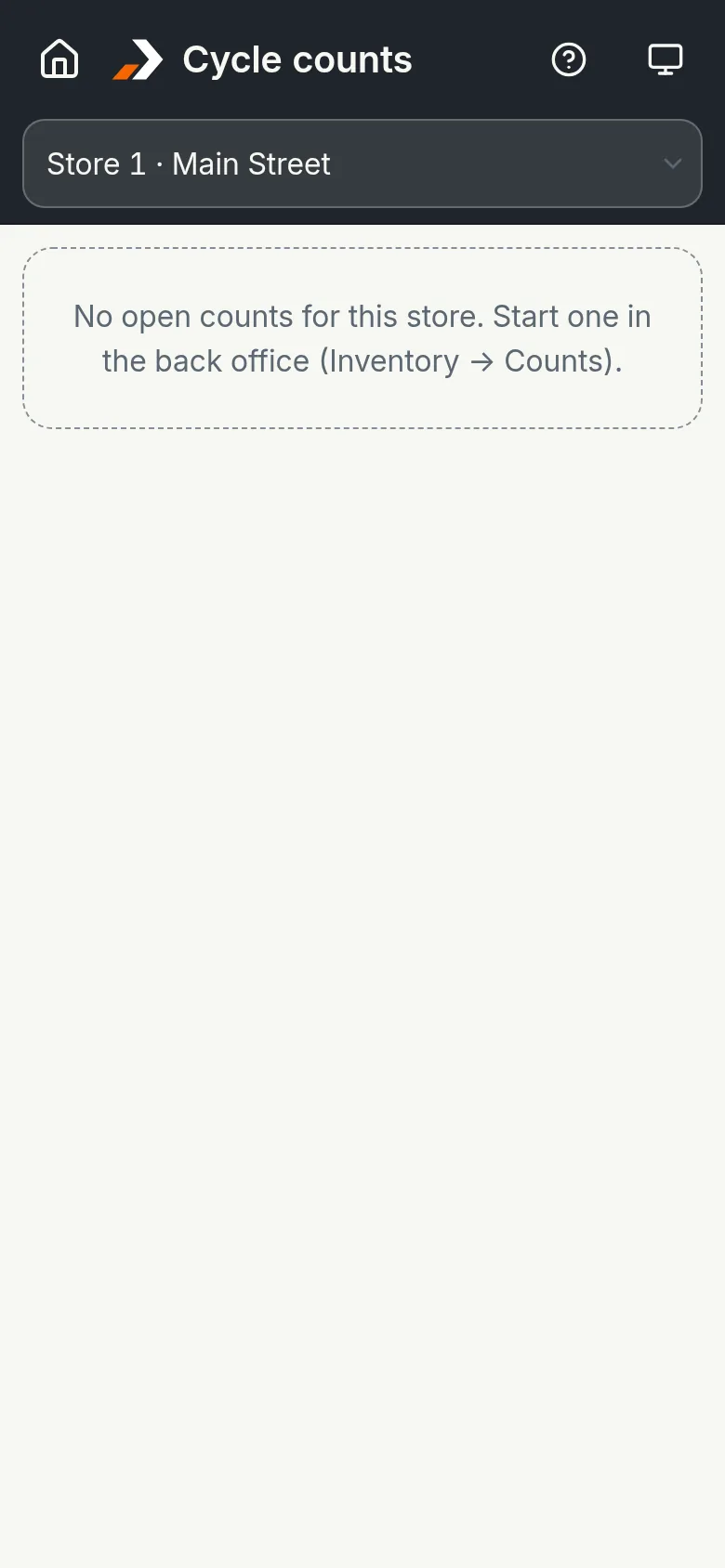
Moving itTransfers between stores, tracked while they're in transit, and cycle counts.
ReorderingSuggested orders group what's at or below min by vendor and become draft purchase orders in one step.
ReceivingReceive against purchase orders at the desk or on a handheld. Vendor cost files import by CSV.
LabelsShelf, bin and item labels with barcodes, printed to a Zebra printer or on Avery sheets.
UnitsSell by the each or in fractional quantities, like wire by the foot.
Special ordersTied to the customer, with a deposit and a ready-for-pickup email. Vendor returns are tracked with their paperwork.
Charge accounts
When most customers buy on account, AxleTap treats that as the normal case.
Before the sale completesCredit limits, terms and account holds are checked.
PO numbersRequired on the tickets of the accounts that need them.
StatementsBy email, or as one printable PDF for everyone else.
PaymentsOn account at the register, or online through a pay link.
Getting paidPayment reminders, aging, and finance charges with grace days.
Books and QuickBooks
Sales, payments, receipts and bills post to a general ledger.
Financial statementsProfit and loss, balance sheet, trial balance, cash flow and budget against actual.
Paying vendorsVendor bills, bill pay, check printing and positive pay.
BankingBank feeds, reconciliation and month-end close with locked periods.
QuickBooksQuickBooks Online, or QuickBooks Desktop through the Web Connector.
Coming from QuickBooks POSItem, customer and vendor lists import from versions 12 to 19.
Deliveries
For orders that leave on your truck instead of over the counter.
From the saleCreate the delivery without typing the order again.
DispatchA dispatch board and each driver's route, with a printable route sheet and map links.
Proof of deliveryWho received it, a signature and a photo.
TaxSales tax follows the delivery address, not the branch.
The handheld
Runs in the browser on a phone or a Zebra scanner. Nothing to install.
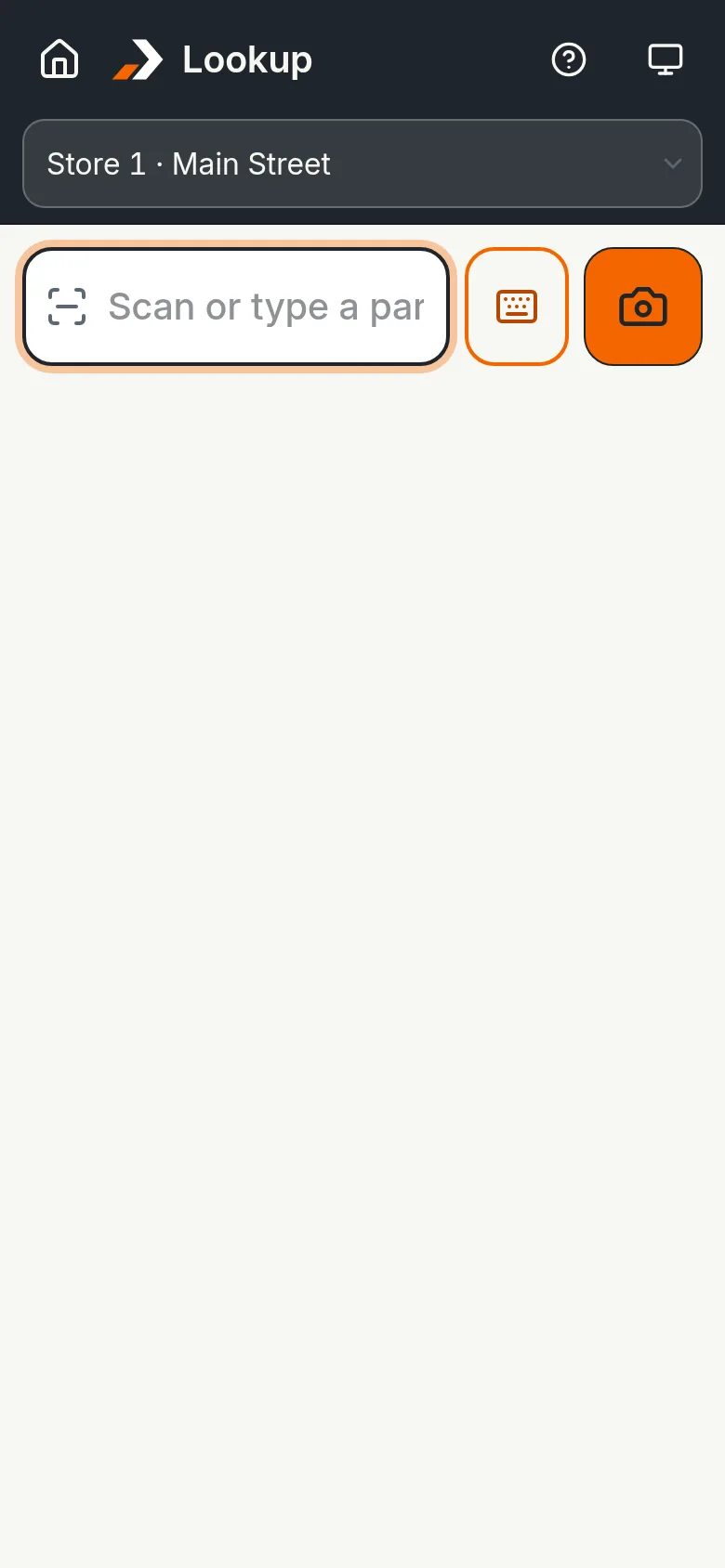
Look upPrice, stock, bin, min and max at every store.
Receive and put awayScan vendor deliveries in, and put parts into bins by scanning.
CountBlind counts: the handheld never shows the expected number.
PickScan the ticket, the bin, then each part.
DeliverThe driver's route, with a signature and a photo at each stop.
Also included
Reports
More than 90 of them, each exportable or sent by email.
Roles and audit log
Roles for owners, managers and bookkeepers, and a record of who changed what.
Two-step sign-in
A password and a code from an authenticator app for the back office. Cashiers use a short PIN at the register.
Help center
In English and Spanish. The app itself is in English.
See it with your own parts.
See a ticket rung up, charged to an account and posted to the books.